Smart TaskBoard — AI that does the busywork, with everything on one screen

Smart TaskBoard blends an AI-integrated writing assistant with a modern, data-dense list view so you can see and do everything without leaving the page.

What it feels like

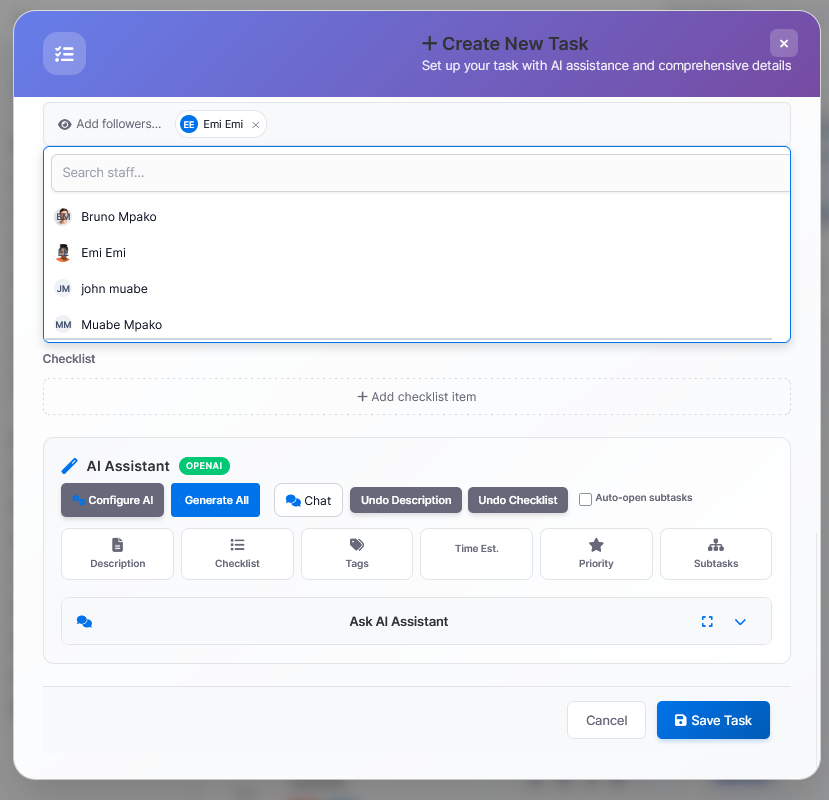
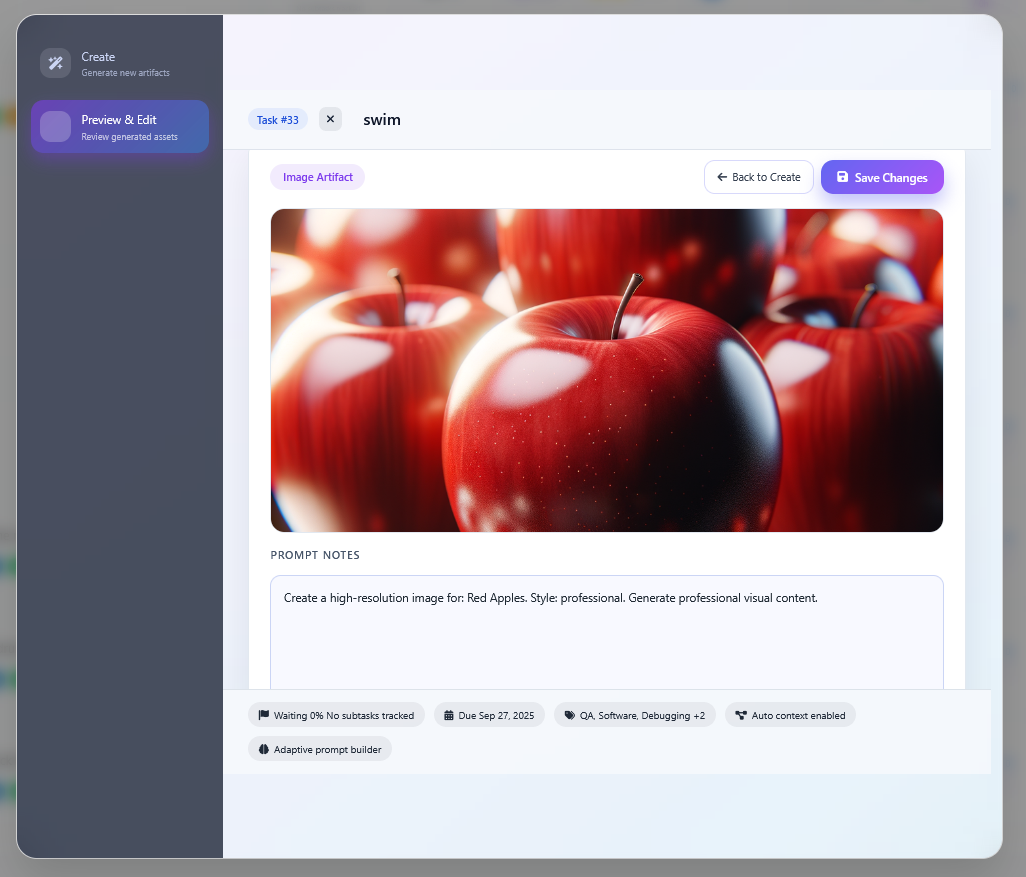
Create a task, and AI instantly drafts a clear, well-structured description. It can auto-insert checklists, tags, assignees, priorities, and deadlines. Need a tweak? Chat with AI, then one-click apply the exact response into the task—no copy/paste. Beyond text, generate images and even slide decks right from a task to attach rich context for teammates.

The “everything-in-one-screen” List View

  • Live KPIs across the top: Total, Time Spent, Duration, To-Do, Remaining, Overdue, Team Load, Completion, Velocity—always visible as you work.

  • Ask AI / Search bar: natural language queries (e.g., “show overdue tasks assigned to me”) and AI summaries inline.

  • One-click filters: Status, Priority, Owner, Project, Company, Due Date, Recurring, plus Sort—combine and clear in a tap.

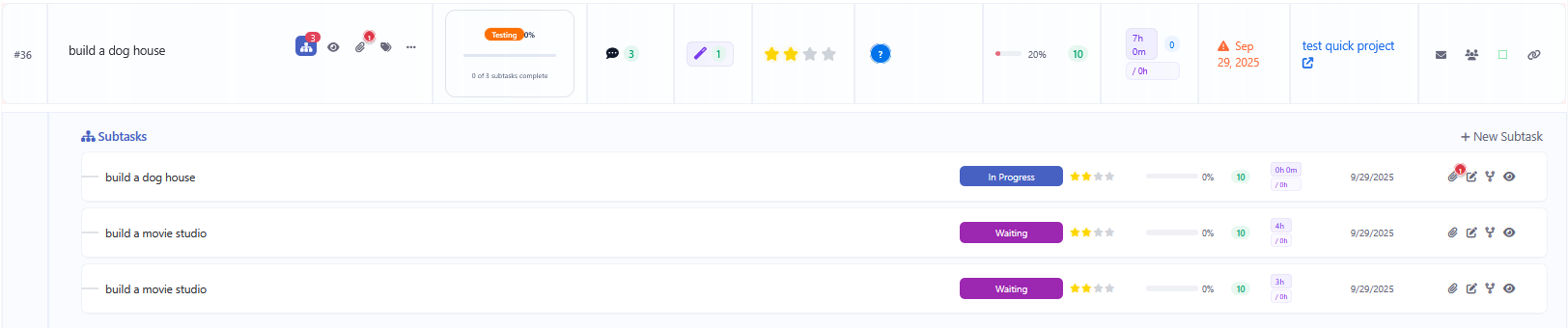
  • Actionable rows: per-task menu for Add Subtask, Edit, Duplicate, Merge, Delete with zero page loads.

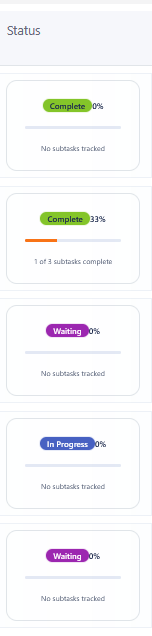
  • Rich, scannable columns: color labels; status pills with progress; Comments and AI Gen counters; priority stars; team avatars; checklist progress; timesheet badges (logged vs. remaining); due-date alerts; quick Related to and Share shortcuts.

  • New Task stays anchored for rapid entry.

AI that actually helps

  • Instant drafting: consistent, well-formatted descriptions on create, edit, duplicate, or merge.

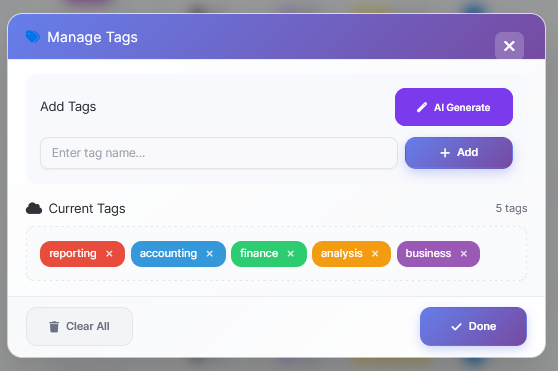
  • Auto-structure: checklists, tags, due dates, and priority filled in for you.

  • Conversational edits: refine via chat, then apply changes with a click.

  • Rich outputs: image generation and presentation creation as first-class attachments.

Built for flexibility

  • Multi-provider support with the option to bring your own API key for cost control and data governance.

  • Works the way your team already does—fast, responsive, and uncluttered.

Result: planning feels effortless, execution gets faster, and the whole team sees the full picture at a glance—on one beautiful, high-signal screen.




The AI-Integrated Smart Dashboard makes creating and managing tasks effortless. From New Task to Edit, Duplicate, or Merge, AI instantly generates clear, well-formatted descriptions and can auto-insert checklists, tags, and deadlines. Need more customization? Simply chat with AI and choose which response to apply directly into the task. Beyond text, AI supports image generation and presentation creation, allowing rich attachments that enhance collaboration. With multi-provider support and the option to bring your own API key, teams enjoy flexibility, speed, and intelligence in one seamless workflow — turning task creation into a truly enjoyable experience.

demo:


https://smarttaskboard.glonextech.co.za/admin

Username: demouser@glonextech.co.za

Password: 1234Pass

for Support and Tickets : https://service.glonextech.co.za


Why Smart Taskboard is a game changer for Perfex CRM

Perfex Tasks are powerful—but scattered. Status here, comments there, files somewhere else, and time logs hidden away. Team members bounce between pages and tabs just to understand, prioritize, and execute a single task. Work slows. Context gets lost. Deadlines slip.Smart Taskboard fixes that. It transforms Perfex into a focused, single-pane workspace where your team plans, executes, and learns—without leaving the board.

The problem today

  • Too many clicks: Status changes, assignee updates, files, and comments live in different places.
  • No big‑picture flow: It’s hard to see bottlenecks or workload at a glance.
  • Execution friction: Simple actions (log time, add checklist, tag, attach) interrupt momentum.
  • Status theater: Managers chase updates; teams lose time explaining instead of doing.

What Smart Taskboard changes

  • One place for everything: Boards Lists,  bring planning and execution together—no more tab hunting.
  • Operate at the speed of drag & drop: Update status, assignees, priorities right on the card.
  • Work with context: Comments, files, checklists, time logs, tags—accessible from the task card, not buried elsewhere.
  • See the future, not the past: Dependencies, deadlines, and capacity are visual, so risk is obvious before it becomes a problem.
  • Automate the busywork: Alerts, auto‑assign, summaries, escalations—installed in seconds, no code.
  • AI that saves hours: Instant summaries, checklists, meeting notes, closing notes, and smart tag/estimate suggestions.

Why your team will feel the difference

  • For leaders: Live boards and dashboards replace status meetings. You’ll see throughput, risk, and progress in real time.
  • For PMs: Gantt + dependencies + automations = fewer fire drills and smoother handoffs.
  • For doers: Fewer clicks, fewer tabs, fewer interruptions. It’s easier to finish work than to talk about it.
  • For ops/finance: Time logs roll up; governance and permissions stay Perfex‑native; usage and controls are built in.

Outcomes you can expect

  • 20–35% faster cycle times from reduced context switching and automation.
  • Cleaner backlog and fewer bottlenecks with visual flow and list triage.
  • Higher quality, fewer surprises thanks to dependencies and deadline visibility.
  • Happier team because the tool gets out of the way of the work.

What makes it different (and better) inside Perfex

  • Unified views: Boards for flow, Lists for triage, Calendar for deadlines, Gantt for critical path—switch instantly without leaving tasks behind.
  • Zero context switching: Everything lives inside Perfex—projects, milestones, staff, permissions, and notifications.
  • No‑code automations: Install, toggle, simulate; from urgent auto‑assign to daily summaries and renewal reminders.
  • AI copilot: Generate summaries, checklists, comments, meeting notes, and closing notes from task context and files.
  • Execution built‑ins: Time tracking, checklists with owners/dates, tags, quick search, merge duplicates.
  • Manager visibility: Live workload, progress, and risk indicators with lightweight caching for speed.

The bottom line

Smart Taskboard turns Perfex from a task list into a true execution system. Your team can finally work where the work is—no tab juggling, no status theater, no lost context. Just faster delivery and clearer outcomes. Want to see it in action? Let’s map your current workflow to a board and show you how many clicks—and hours—you’ll save in week one.

Core value propositions

  • Work orchestration: Visualize tasks across Boards, Lists, Calendar, and Gantt.
  • Automation engine: Ship faster with ready‑to‑use recipes and no‑code rules.
  • AI copilot: Summaries, checklists, standups, risk flags, and content assistance.
  • CRM‑native: Zero context switching—uses Perfex data, logins, and permissions.
  • Insights that drive action: Live KPIs and dashboards, not just pretty charts

Key capabilities (what you can do)

  • Unified task views
  • Boards with swimlanes by status/assignee/project/priority
  • List view for high‑speed bulk triage
  • Installable recipes: weekend work alerts, urgent auto‑assign, priority escalations, status change alerts, daily summaries, file uploads notifications, standups, meeting notes, upsell detection, renewal reminders, onboarding checklists, proposal follow‑ups, QA assignments, decomposition of large tasks, and more
  • Toggle, simulate, and run rules on demand
  • AI copilot
  • Generate summaries, checklists, comments, estimates, tags, closing notes, meeting notes
  • Chat with task files and CRM context
  • Admin controls: AI provider connectivity, block users, usage metrics, top‑ups
  • Collaboration
  • Execution features
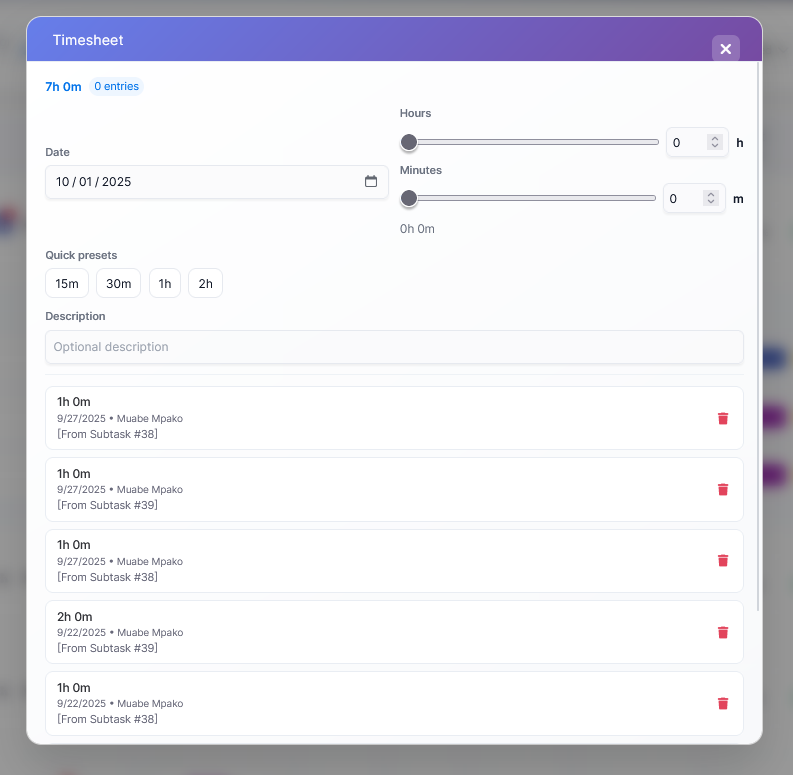
  • Time logging with parent roll‑ups
  • Checklists and checklist items with assignees and due dates
  • Task dependencies with guardrails to prevent premature status changes
  • Tags, quick search, and merge tasks
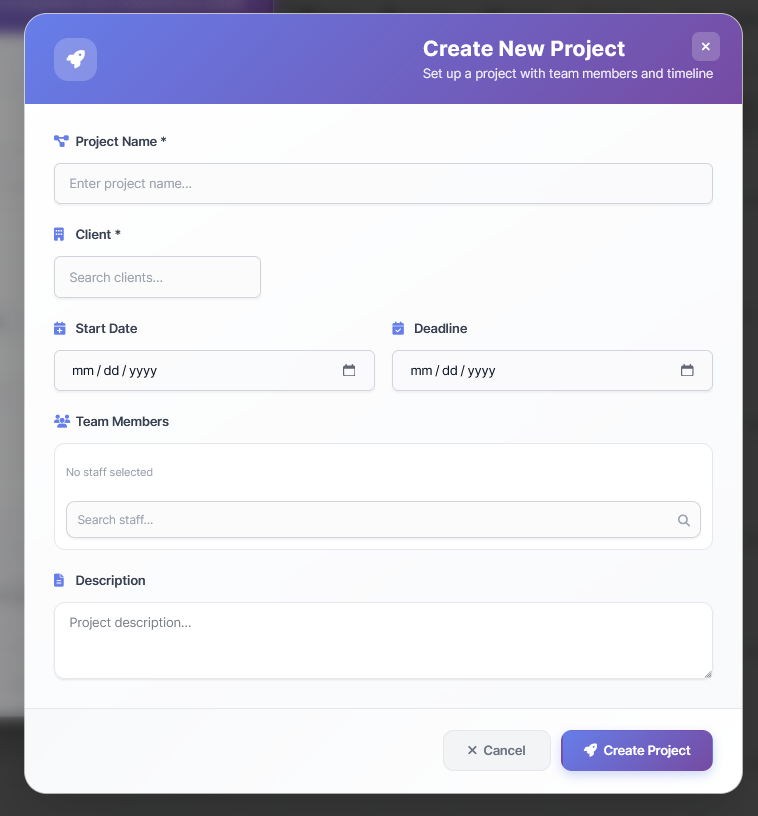
  • Quick create: projects, milestones, and client lookups
  • Dashboards & analytics
  • Overview metrics, workload, live KPIs (tokens/min, active users, model share)
  • Usage, connection, and financial panels for AI governance
  • Lightweight cache for fast load on large datasets
  • File intelligence
  • Upload, view, and analyze attachments (PDF, Docs, Sheets, Slides)
  • AI file chat and content extraction for faster context building
  • Admin & governance
  • Role‑based access: view/edit views, manage boards, manage automations, manage settings, use AI/AI chat
  • Admin‑only settings, provisioning, connection tests, and cost controls
  • Uses Perfex options store; secrets sealed; webhook support
  • Performance & reliability
  • Batch loaders for large data, metrics cache, optimized queries
  • Progressive loading for snappy UX

.

Why teams love it

  • Owners & leaders: Clear visibility, actionable dashboards, fewer status meetings.
  • Project managers: True planning with dependencies.
  • Sales & CS: Playbooks and alerts that never miss a renewal or upsell moment.
  • Delivery teams: Clean boards, focused lists, and time tracking that rolls up.
  • Ops & finance: Guardrails, governance, and AI usage/financial oversight.

Feature deep‑dives

Boards and Lists

  • Boards: Drag‑and‑drop cards, color‑coded statuses, assignee avatars, due dates, priorities.
  • Lists: Fast scanning and bulk updates for backlogs and triage.
  • Saved views: Personal or shared; duplicate, share with edit permissions.

AI Copilot

  • Content assist: Summaries, rewrites, estimates, checklists, tags, closing notes.
  • File chat: Ask questions about attached docs; extract insights.
  • Chat & generate: Team prompts with provider choice and temperature control.
  • Governance: Block users, set rate limits, view usage and costs, top‑up billing.


Collaboration & productivity

  • @Mentions notify teammates instantly.
  • Task merge to remove duplicates.
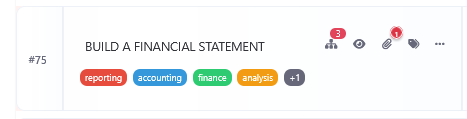
  • Tags & search for instant retrieval.
  • Time logs at the subtask and parent task levels.

Project, Milestone on fly when creating a new task

Landing page copy blocks

  • Hero: Run projects your clients can feel.

Boards, automations, and AI in Perfex—so your work flows itself.

  • Sub‑hero bullets:
  • Visual boards, lists, calendar, and Gantt
  • No‑code automations library
  • AI summaries, checklists, and file insights
  • Real‑time dashboards and KPIs
  • Proof point: “Teams ship 20–35% faster after one week.”
  • Features grid (6)
  • Boards & Lists
  • Calendar & Gantt
  • Automations library
  • AI Copilot
  • Time & Checklists
  • Dashboards & KPIs
  • Use‑cases
  • Sprint planning and delivery
  • Client onboarding and renewals
  • Sales proposal ops and follow‑ups
  • Support workflows and escalations
  • CTA band: Your work, perfectly aligned. Get started today.

AI Integrations and ecosystem

  • Perfex tasks, projects, milestones, staff: Read/write with permission checks.
  • Perfex options and hooks: Works with existing installations without custom code.
  • AI API connectivity: Connect to supported providers via Your Own API Kays, Site Wide or Per User Key Management; admin provisioning flow.


Smart Taskboard for Perfex CRM — Marketing Description

Positioning


Smart Taskboard is the all‑in‑one, Monday.com‑style productivity layer inside Perfex CRM. Plan, execute, and measure work with Kanban, Lists, Calendar, Gantt, Automations, and AI—all natively integrated with Perfex tasks, projects, milestones, staff, and permissions.


Perfex Smart Dashboard – Task Metrics at a Glance

The Perfex Smart Dashboard is a next-level module for Perfex CRM, giving you real-time insights into all your tasks and projects. It’s built to help managers and teams monitor performance, track deadlines, and optimize productivity — all in one central place.


 Key Features

1. Comprehensive Task Metrics

  • Total Tasks (by project, user, or status)

  • Overdue Tasks with quick drill-down

  • Completed vs. Pending Tasks ratio

  • Priority Breakdown (High / Medium / Low)

  • Deadline Tracking (today, this week, upcoming)

  • Team Workload Distribution

2. Dynamic Filters

  • One-click filters for status, priority, team member, deadline, or project

  • Real-time results — no page reloads needed

  • Save and reuse your most common filter views

3. Visual Analytics

  • Charts & Graphs for progress tracking

  • Kanban-style quick view for task flow

  • Performance widgets showing completion rates and bottlenecks

4. Productivity Boost

  • Spot overdue or high-risk tasks instantly

  • Track workload balance across your team

  • Identify where projects are slowing down


 Benefits

  • For Managers → Quick insights into team performance & workload.

  • For Teams → Clear view of priorities and deadlines.

  • For Organizations → Smarter task allocation, improved efficiency, and better project delivery.


 With the Perfex Smart Dashboard, every task is measurable, every priority is visible, and every team member stays aligned.